
You prompt an AI tool. Ten seconds later, a full screen sits on your Figma canvas. It looks good. Surprisingly good. The layout is balanced, the typography works, the spacing feels intentional. As a visual output, it holds up.
The problem is not how it looks. The problem is what it is. The elements on the screen are not Figma components. They are standalone layers. The tool did not pull from your existing component library. It did not create new components you reuse on the next screen. It generated a one-off layout with no connection to your design system.
This is the core gap with AI design tools in 2026. Stitch, Pencil, Figma Make. They all produce impressive visual output. None of them read your existing components. None of them create new components you build on going forward. The result looks like a finished design. It does not behave like one.
For quick prototyping or exploring a direction before committing design time, these tools are useful. For production work where your team iterates on a component-based system and hands structured files to developers, the output does not connect to your workflow.
The two things missing
They do not read your design system
This is the bigger frustration. You spend weeks building a component library. Buttons with 6 variants and 3 sizes. Cards with defined padding, radius, and shadow tokens. A navigation bar with responsive breakpoints. Data tables with sortable headers. The full system, documented and ready to use.
You open an AI design tool inside this same Figma project and prompt it to generate a dashboard. The tool ignores your entire library. It does not reference your button component. It does not use your card. It does not pull colors from your tokens. It builds everything from scratch, as if your design system does not exist.
This happens with every tool we have tested. Stitch, Pencil, Figma Make. You sit in a project with 200+ components and the AI generates output in a vacuum. The dashboard looks good. It shares nothing with the system you already built.
For teams with mature design systems, this is the core issue. The AI output lives outside your system. It does not inherit updates when you change a token. It does not stay consistent with the screens your team designed manually. It is a separate island in your file.
The infrastructure to fix this already exists. Figma launched their MCP (Model Context Protocol) server in 2025 and opened write access to the canvas in March 2026. MCP gives AI agents the ability to read your design tokens, components, variants, auto-layout rules, and variable code syntax. The bridge between AI tools and your design system is built. The question is which tools start using it.
They do not create components either
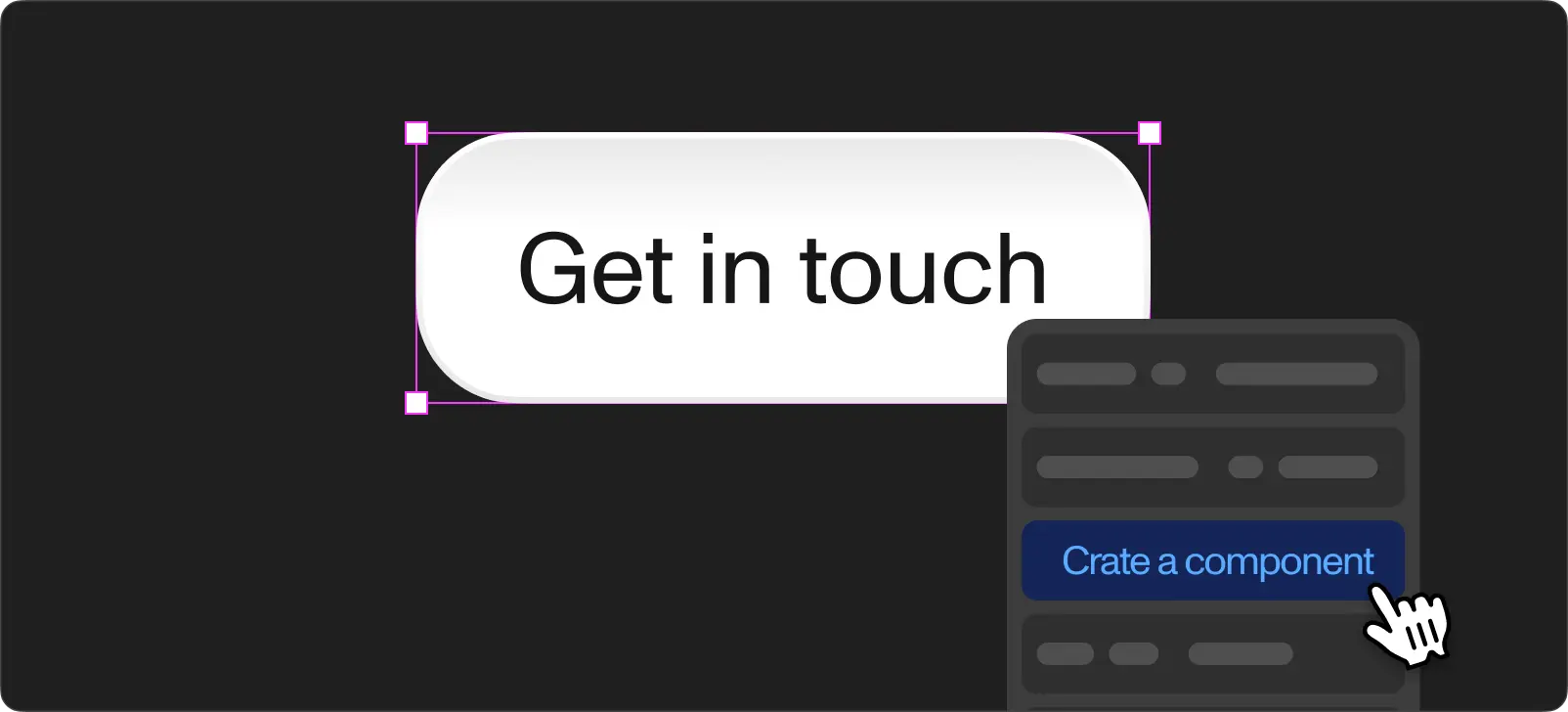
The second gap is forward-looking. Even if the tool ignores your existing library, it would still be useful if it created proper Figma components in its output. A button the tool generates on one screen would then carry over as a reusable instance on the next screen. Change it once, update everywhere.
No tool does this. Every screen is generated independently. The button on the dashboard and the button on the settings page are separate elements with no relationship. The header on screen one and the header on screen five are different objects.
The output does not compound. Each generation starts from zero. You get 10 polished screens and zero reusable parts. For a prototype where the screens live in isolation, this is fine. For a product where a designer needs to maintain consistency across 50+ screens, there is nothing to build on.
Where each tool stands today
Google Stitch
Stitch (formerly Galileo AI) generates full-page designs from text prompts. The visual quality is impressive. Layouts look balanced, typography choices are solid, and the overall composition feels like something a designer would produce.
Where it breaks down is continuity. Stitch treats each prompt in isolation. You describe a dashboard, then a settings page using the same design language. The two screens share no components, no color tokens, no consistent spacing rules. Each generation is self-contained. You get two good-looking screens with no relationship between them.
Stitch exports as HTML and CSS, not native Figma. Importing into Figma converts code to vector shapes. The visual stays intact but the structure does not carry over.
For a single-screen concept to show a stakeholder, Stitch is fast and convincing. For a multi-screen product, it does not connect the pieces.
Pencil
Pencil (by Diagram) runs directly inside Figma. You describe a layout and it generates frames on your canvas. The proximity to your file feels promising.
The limitation is depth. Pencil imports first-level frames. Nested content gets flattened into images. Text layers below the root level lose editability. A complex card with multiple nested elements becomes a single flat image.
Pencil is useful for ad creative variations and quick visual exploration. For product interfaces where every element needs to remain editable and structured, it does not go deep enough.
Figma Make
Figma's own AI feature generates designs from prompts directly inside Figma. Over 50% of Figma enterprise customers use Make weekly. The adoption is real and growing.
Make produces clean-looking screens quickly. The issue is the same as the third-party tools: it does not reference your component library, even when you run it inside a project with a fully built design system. Each generation starts fresh.
Figma suspended Make once in 2024 after outputs too closely resembled existing products. Enterprise plans cap usage at 80-100 prompts per month.
Make is good for getting past a blank canvas and exploring directions. It does not produce a file your team extends with your own components.
Where these tools add real value
The limitations above are about production design. For other parts of the design process, these tools add real value.
Prototyping and exploration. When you need 5 layout directions in 10 minutes for a discovery workshop, AI tools deliver. The output looks polished enough to present to a client or stakeholder. Nobody inspects prototype layers. Speed matters more than structure at this stage.
Getting started in Figma. If you do not work in Figma daily, these tools lower the barrier. Product managers, founders, and developers type a description and get a visual they share with their team. The output is good enough for alignment conversations and early feedback rounds.
Visual references. Treating AI output as a reference rather than a starting file produces good results. Generate a few directions, pick the one the team prefers, then rebuild it properly using your design system. The AI handles the "what should this look like" question. You handle the "how does this work in our system" part.
How we use them at Workspace
We test every AI design tool the week it ships. Over the past year, we have run Stitch, Pencil, and Figma Make through real client projects.
The visual output is good. Every time. The tools produce screens we would be comfortable showing a client as a concept. The issue comes when we try to integrate the output into our production files.
At Workspace, we build production interfaces with strict component libraries and design token structures. Developers build directly from the Figma spec. Every element in the file needs to be a component instance connected to the system.
On a recent project, we used Figma Make for the initial exploration of a booking flow redesign. The generated layout looked close to what we had in mind. Then we needed to rebuild it using our actual components, because the AI-generated version had no connection to our library. Building the same screen from our existing components took 90 minutes. The Figma Make version plus the rebuild took two hours. The exploration was useful. The output was not something we built on top of.
We wrote about the Figma plugins we still use daily. The ones surviving in our workflow solve specific, narrow problems: bulk renaming, batch export, content population. They do not try to replace the design process. They improve one step in it.
What comes next
The tools generating screens are good at what they do. The infrastructure connecting them to your design system is already live.
Figma's MCP server shipped in 2025. In March 2026, Figma opened write access to the canvas through the use_figma tool. AI agents running through Claude Code, Cursor, VS Code, Copilot CLI, and others now read your components, tokens, variants, and auto-layout rules directly from Figma. They write native frames back to the canvas. Figma also introduced skills, reusable markdown instructions packaging repeatable design workflows so your team does not re-explain conventions on every prompt.
This is not a roadmap item. It is production-ready. The MCP server reads your component library. It reads your design variables. It provides the code syntax you defined for each token. An AI agent using MCP does not generate a button from scratch. It pulls the button from your system.
The gap between the visual quality of AI-generated screens and the structural quality of production Figma files has a clear path to closing. The visual side is already solved. Stitch, Pencil, and Figma Make prove screens look good. MCP proves the design system connection works. The next step is these tools adopting MCP so the output uses your system instead of ignoring it.
We are at the transition point. Today, use AI design tools for exploration and prototyping. They are good at it. For production, keep building from your component library. But start structuring your design system with MCP in mind, because the moment these tools connect to it, the workflow changes completely.
The future here is not far. It is one integration away.
If you want help structuring a design system ready for MCP-powered AI workflows, or you need production interfaces built on a component-based system today, reach out to our team. We run discovery sessions focused on your design process and product requirements.